
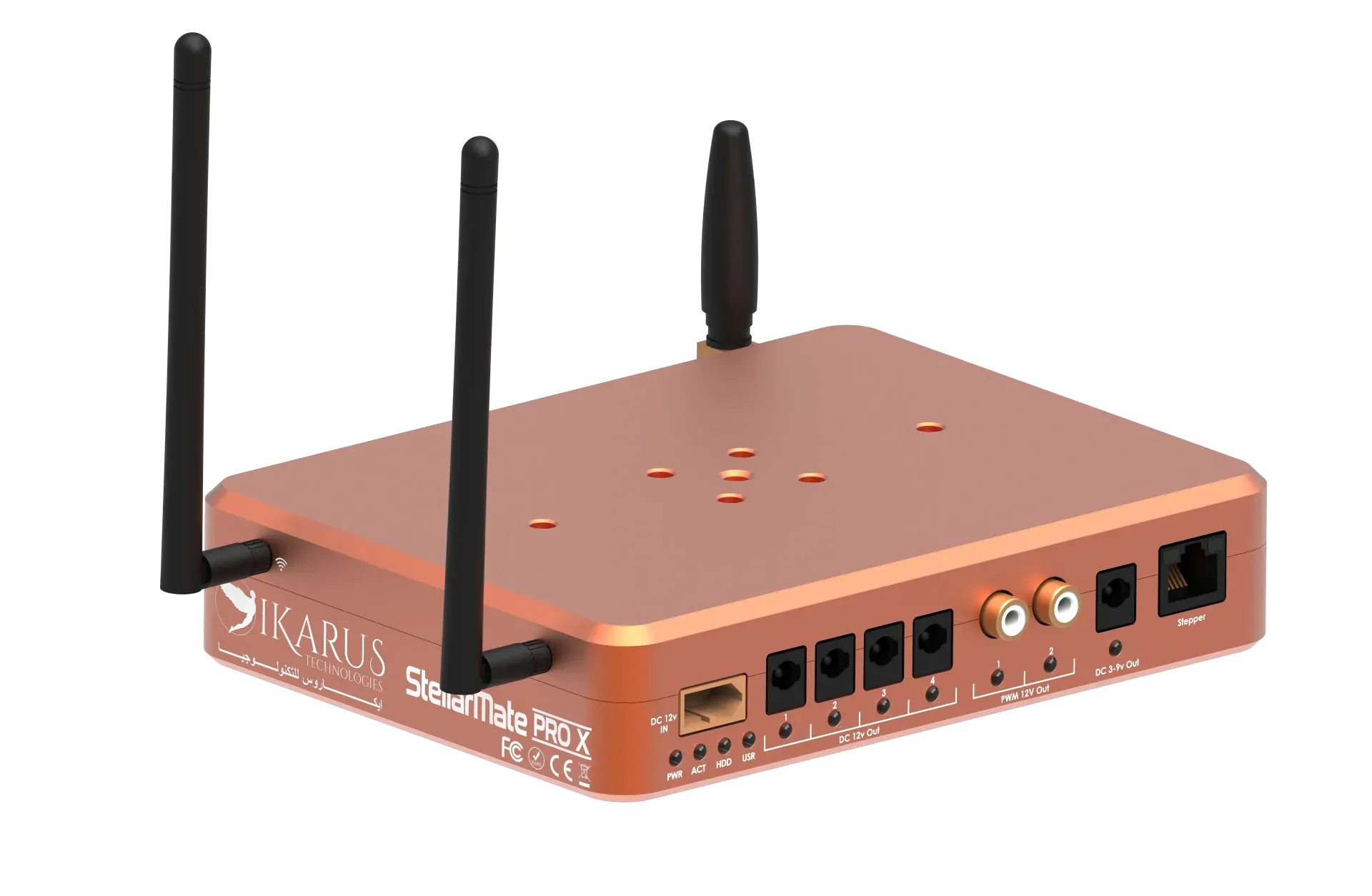
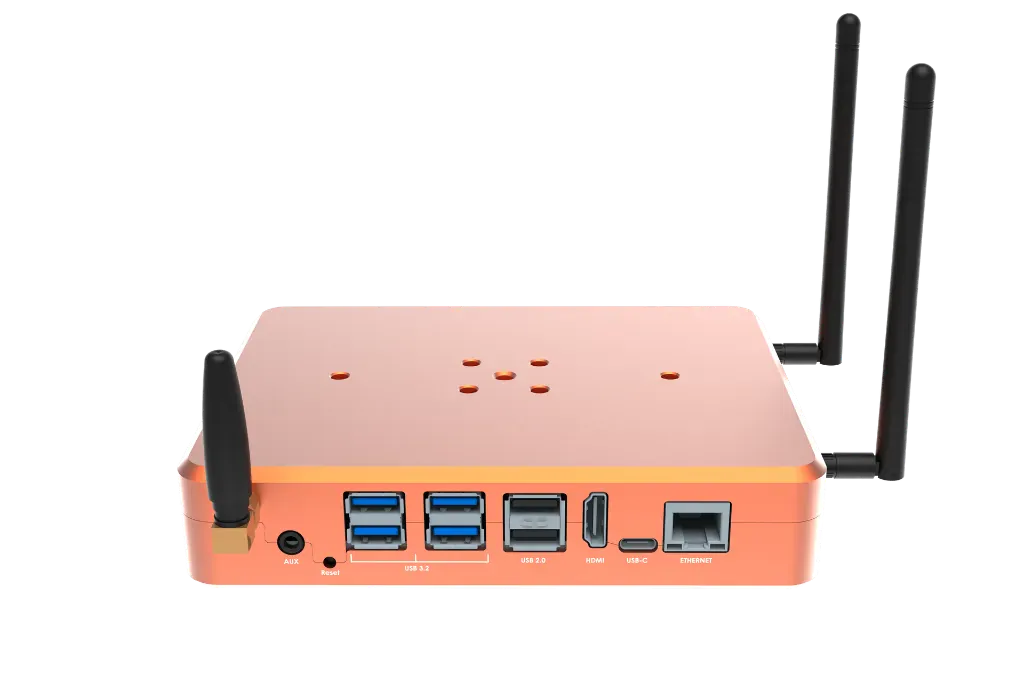
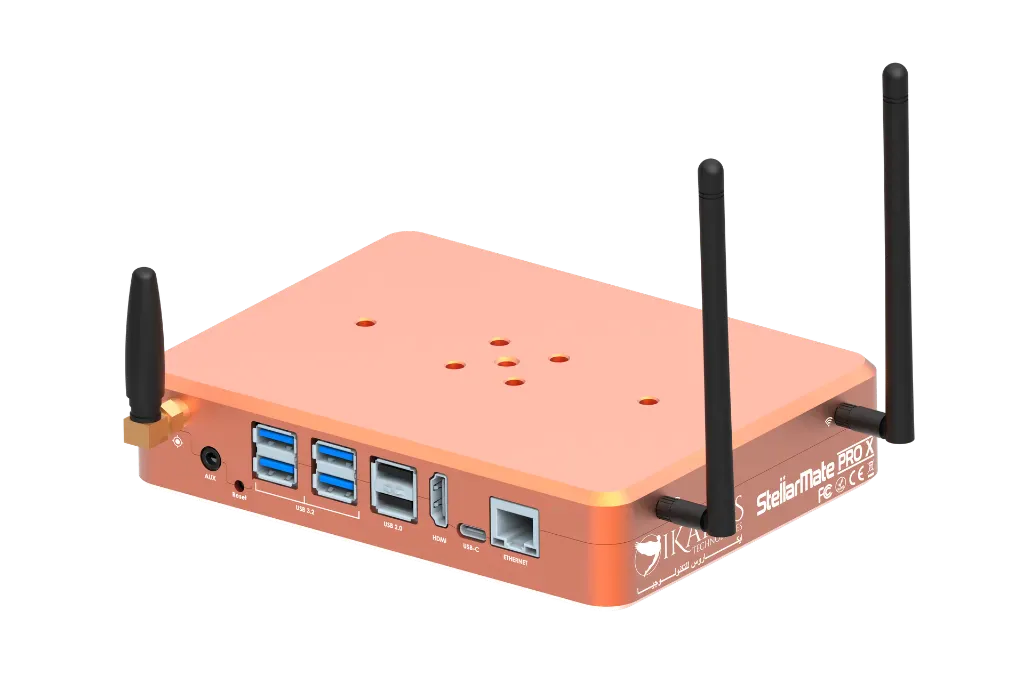
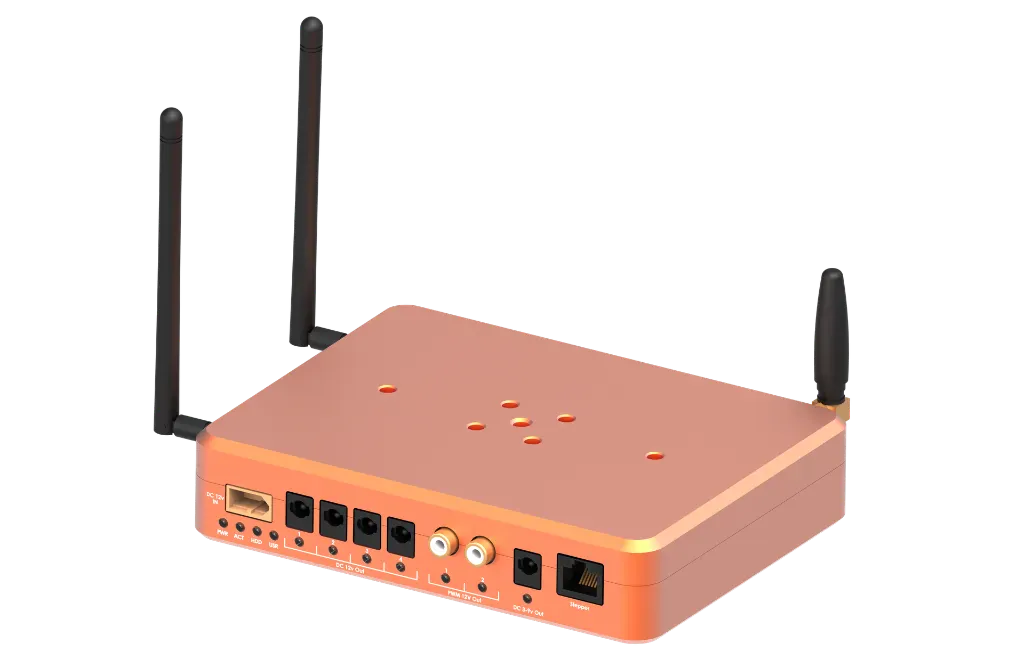


Description
The StellarMate Pro X is a self-contained command centre designed for demanding deep-sky imaging and multi-camera astrophotography setups. Its Intel N100 quad-core processor, Intel UHD Graphics, 8GB of LPDDR5 memory, and 256GB NVMe solid-state drive provide the computing platform for equipment control, image acquisition, guiding, focusing, scheduling, and live stacking.
An integrated smart power distribution board gives you software control over four 12V DC outputs, two PWM dew-heater outputs, an adjustable 3–9V DC output, and a dedicated stepper-motor port. Individual ports can be managed through the StellarMate App or Ekos Power Manager.
StellarMate OS arrives pre-installed with KStars, Ekos, and the INDI driver library. Connect remotely through dual-band WiFi 6, Gigabit Ethernet, the Web Manager, EkosLive, VNC over a local network, or RustDesk over the internet.
The rugged CNC enclosure can be mounted to compatible Vixen V5 and Losmandy D-series dovetail systems. A universal Vixen/Losmandy clamp is sold separately.
Key Features and Customer Benefits
- Integrated astronomy workstation: Pre-installed StellarMate OS includes KStars, Ekos, and INDI support.
- Modern processing platform: Intel N100 12th Gen quad-core processor with Intel UHD Graphics.
- Fast memory and storage: 8GB LPDDR5 RAM and a 256GB NVMe SSD.
- Smart power management: Individually controlled DC, PWM dew-heater, variable-voltage, and stepper-motor outputs.
- Flexible equipment connections: Four USB 3.2 ports, two USB 2.0 ports, and one USB-C PD 3.0 port.
- Wireless and wired control: WiFi 6, Bluetooth 5.3, Gigabit Ethernet, and integrated GPS.
- Remote astrophotography tools: Supports plate solving, autofocus, guiding, target scheduling, live stacking, and remote power control.
- Mobile companion app: Available for iOS and Android.
- Telescope mounting compatibility: Supports Vixen V5 and Losmandy D-series dovetail mounting arrangements.
Technical Specifications
| Specification | Details |
|---|---|
| Operating system | StellarMate OS |
| Included astronomy software | KStars, Ekos, and INDI |
| Processor | Intel N100 12th Gen quad-core |
| Graphics | Intel UHD Graphics |
| Memory | 8GB LPDDR5 |
| Storage | 256GB NVMe SSD |
| WiFi | WiFi 6 (802.11ax), 2.4GHz and 5GHz, 2×2 MIMO |
| Bluetooth | Bluetooth 5.3 |
| GPS | Integrated GPS with external SMA antenna port |
| Ethernet | Gigabit Ethernet, RJ-45, 10/100/1000Mbps |
| USB 3.2 | 4 ports; maximum 1.5A per port |
| USB 2.0 | 2 ports; maximum 0.5A per port |
| USB-C | 1 port; USB PD 3.0, up to 60W |
| DC power input | Industrial XT-60, 12V DC at 10A |
| Nominal operating voltage | 12V DC |
| Published input range | 11–13V DC |
| 12V outputs | 4 software-controlled ports; maximum 3A each |
| Dew-heater outputs | 2 × 12V PWM ports; maximum 3A each; 0–100% duty-cycle control |
| Variable output | 1 × adjustable 3–9V DC port; maximum 3A |
| Stepper output | 1 dedicated Step/Direction motor-control port |
| Auxiliary I/O | 1 external environmental-sensor port |
| Mounting compatibility | Vixen V5 and Losmandy D-series dovetails |
| Regulatory information | Contains FCC TX ID: TX2-RTL8852CE |
Materials and Construction
- Rugged CNC enclosure
- Enclosure material is not specified on the product page.
Compatibility
The integrated INDI library is described as supporting more than 200 astronomical devices. Customers should confirm their mount, cameras, focuser, filter wheel, and other equipment through the INDI Devices Portal before ordering.
The external sensor interface is intended for compatible temperature/humidity sensors, sky-quality meters, and environmental sensors.
Included Items
- 1 × StellarMate Pro X astrophotography controller
- 1 × male XT-60 to female 12V DC 5.5 × 2.5mm adapter
- 1 × 50cm male-to-male DC5521 extension cable
- 1 × 100cm male-to-male DC5521 extension cable
- 1 × passive GPS antenna
- 2 × high-gain WiFi antennas
- 1 × Quick Start Guide
Setup and Use
- Attach the WiFi and GPS antennas to their respective SMA ports.
- Connect the XT-60 adapter to a stable 12V DC, 10A supply or battery.
- Connect compatible astronomy equipment through the USB and power ports.
- Power on the controller and allow approximately 30 seconds for startup.
- Connect a phone or tablet to the StellarMate hotspot.
- Open the StellarMate App, register the unit using its QR code, rescan for the controller, and create an equipment profile.
Availability
Pre-order: The product page currently estimates shipping in October 2026.
Ressources supplémentaires